
The problem
Call center leadership was clear: workflows are timed, monitored, and reported. Wrap targets are real (on the order of minutes unless the case is specialized). What was not standardized was how people took notes—each team invented its own templates and tools.
“Our workflow is timed, monitored and reported on. We have no standardized notes across the department—each team just makes up their own.” – Call center leadership interview
Observation matched the interviews. Agents left CIM to take notes in Word or OneNote because they needed to bounce around a member’s record without losing the thread of the call.
“I take my notes in Word because I’m bouncing all over the place and I need to be able to keep track of what’s going on.” – Call center agent (workflow observation)
Research
- Call center leadership interviews
- Workflow observation / ride-alongs
- Note-template audit across teams
- Engineering spike (external tool vs in-app)
- Prototype walkthroughs with agents
Leadership wanted consistency for reporting. Agents needed low cognitive load while listening and searching. Engineering spiked an external note tool that would push events into CIM for member lookup—the effort was large. Capacity said: build it into the main interface.
What I owned
End-to-end product design for call-center notes in CIM: problem framing with leadership and agents, hypothesis and goals, collaboration with eng on the “in-app vs external” decision, and the UI that puts note-taking next to the work of the call.
Approach
Take notes in CIM while the call is live—listen, look up, document, without jumping to Word.
Hypothesis: placing call-center notes in CIM reduces the effort of taking notes while actively listening and looking up member info. Goals: consistent, reportable notes; less cognitive load; faster turnaround between calls.
- Stay in CIM: after the external-tool spike, ship as part of the main product shell agents already use.
- Support bounce: design for multi-record navigation during a live call—not a static form that assumes one screen.
- Standardize without policing: templates and structure teams can share so reporting works without each desk inventing Word docs.
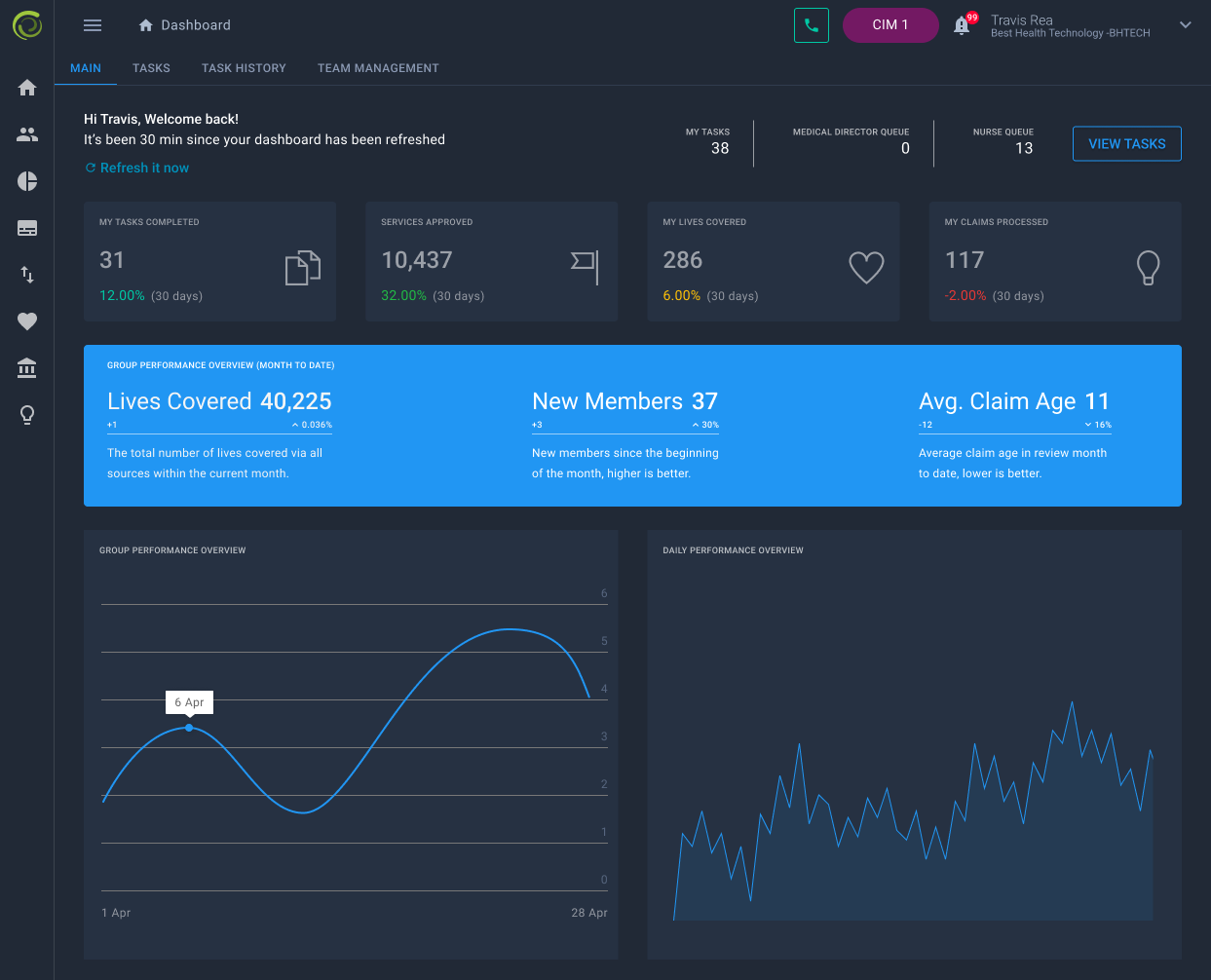
Related: tasks & SLAs
The same research surface turned up work tracking. Email was a dumping ground; people lost track of what was done. Agents wanted progress, history, and clearer “what’s mine” without surprise SLA overruns. That thread informed task/queue design in the same ops shell—notes and work tracking as siblings, not separate products.
“Our email inbox feels like it’s just a dumping ground for things I need to do. I’ll get lost in knowing what is done. It’s way too easy to miss things.” – Call center / ops user interview
Results
- Call-center note process lived in CIM instead of side apps.
- Improved turnaround between calls; standardized reportable notes across teams.
- Positive reception and adoption from the call center.
- Pattern reused later for denser ops products: context stays with the work (see Iris case envelopes).
Why this still matters
If notes live in Word and work lives in CIM, you get two truths and a lot of lost time. The useful move was boring: put documentation next to the bounce path, pick an eng option the team could actually ship, and check whether the call center kept using it.